Wire Chat puts a Claude Code session on a handheld. I typed one request on a Game Boy Color, and a few minutes later the console was running a Pong game that Claude had written, tested and sent to it over Wi-Fi and the link cable.
New to Wire Chat? The first post covers how it works on the GBA, GBC, 3DS and PS Vita, with the download.
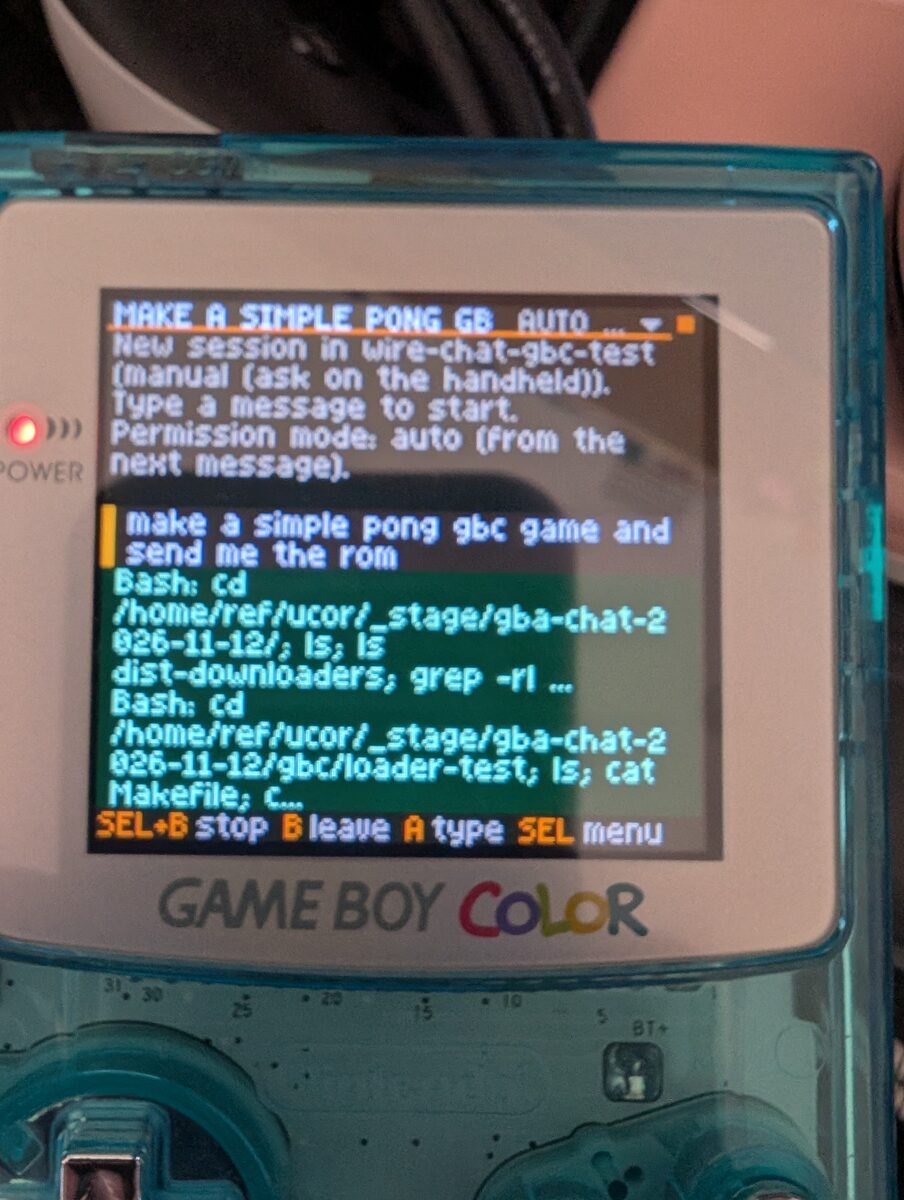 The whole request, typed on the Game Boy Color.
What Wire Chat is
Wire Chat is a small chat app for handhelds that talks to Claude Code running on a computer at home. It has three parts:
- The app on the handheld shows the conversation, the tools Claude runs, and any question that needs an answer. Here it runs on a Game Boy Color from a flashcart.
- A link bridge, a small ESP32 board on the Game Boy’s link cable, joins the Wi-Fi and passes everything between the console and the computer.
- The relay on the computer starts and resumes Claude Code sessions in my project folders and streams them to the handheld.
Typing happens on an on-screen keyboard, with a row of quick words like continue, yes and explain, so short answers are one press.
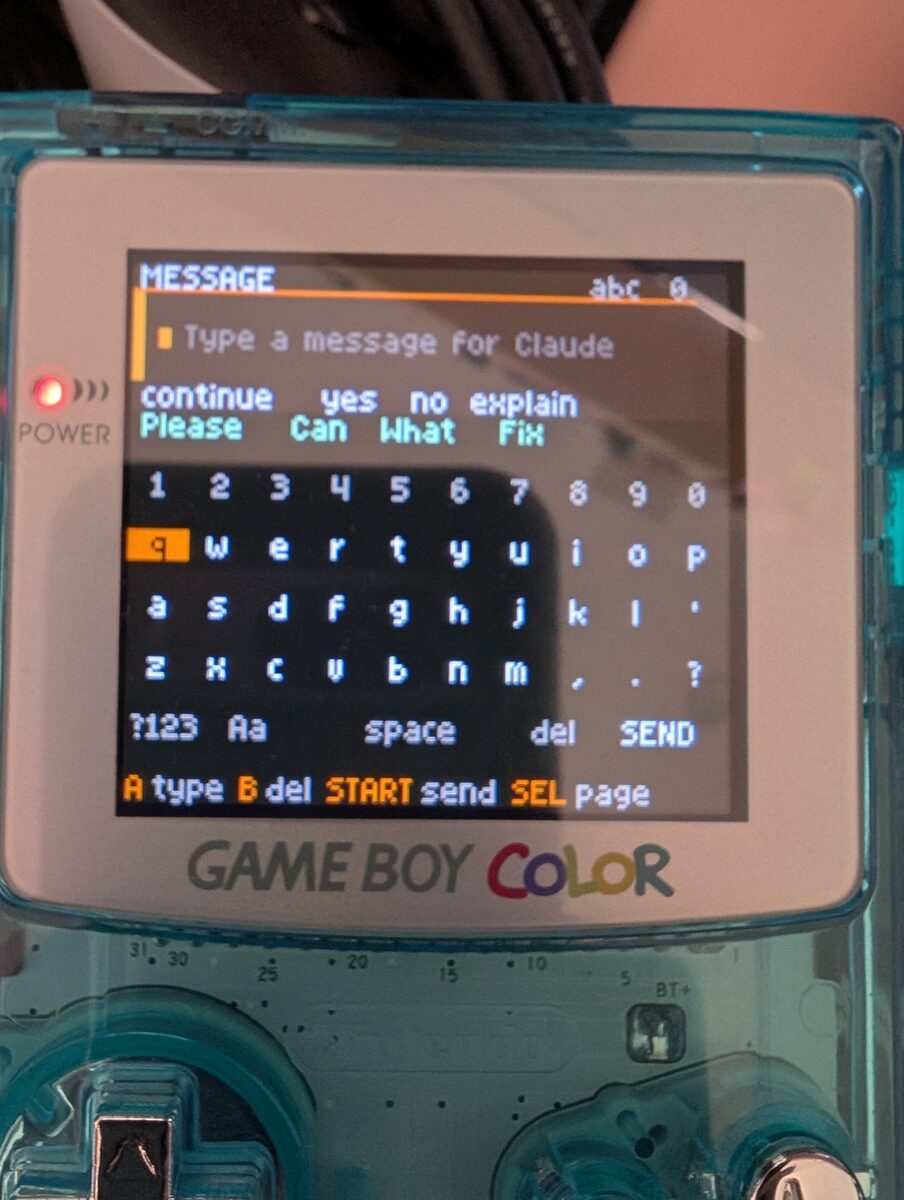 The keyboard: quick words on top, A types, START sends.
From prompt to game
The request was the one in the photo: make a simple pong gbc game and send me the rom. Then I watched the session on the console’s screen.
- Claude read how the Game Boy Color receives programs. Wire Chat can take a small program over the link cable, load it into the console’s memory and start it, after asking first.
- It wrote Pong in Game Boy assembly: a title screen, two paddles, a ball, a score and a winner screen. The finished program is 1,369 bytes.
- It tested the game before sending it. A scripted player returned the ball 29 times and won 9 to 6, and both the title and game over screens showed.
- It sent the game. The relay passed it to the bridge over Wi-Fi, and the bridge sent it down the link cable.
- The console asked “Receive program? A yes / B no”. One press of A, the program passed its checksum, and Pong started.
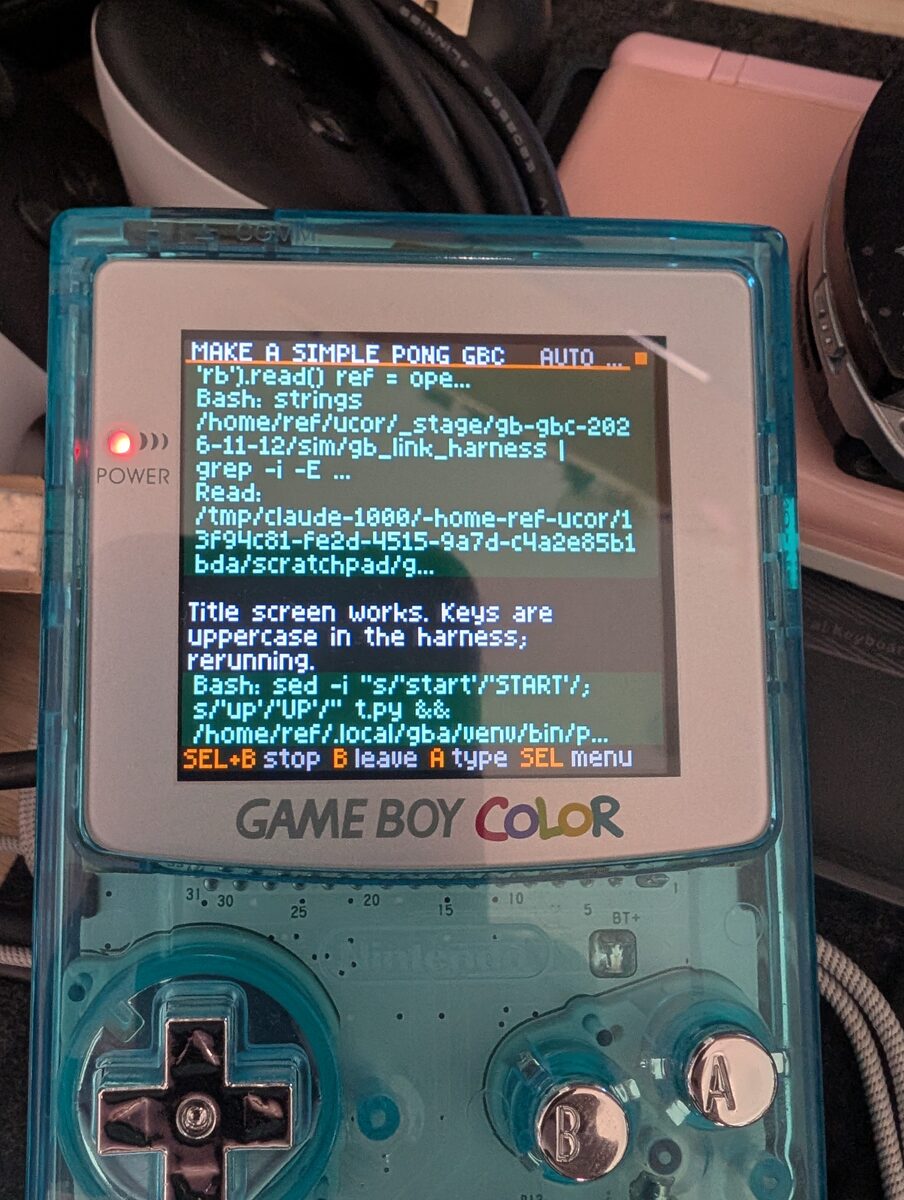 Mid-build: every tool call and short status line shows on the console while Claude works.
From the first message to playing took about 14 minutes. One retry was needed: the first send was refused because the bridge was still set for the Game Boy Advance cable. With the bridge on the Game Boy cable, “try again” was enough.
Playing it
Press START, move your paddle with UP and DOWN, and the first to 9 wins. The game runs from the console’s memory, so nothing is written to the cartridge. Power off and it is gone, until you ask for another.
Programs sent this way are small: up to 24 KB on the Game Boy Color, loaded into memory and started only after you press A on the console.